.svg)

.webp)
Cloud PBX: Avoid These Mistakes When Choosing a Phone System
Choosing the right phone system can make or break your business communication. In this blog, you’ll learn what a cloud PBX is, how it compares to traditional systems, and what features to look for. We’ll also cover common mistakes to avoid, practical benefits, and how to integrate it with tools like the Microsoft Teams phone system. Whether you’re upgrading from a traditional PBX or setting up a new telephony system, this guide will help you make informed decisions.
What is a cloud PBX, and how does it work?
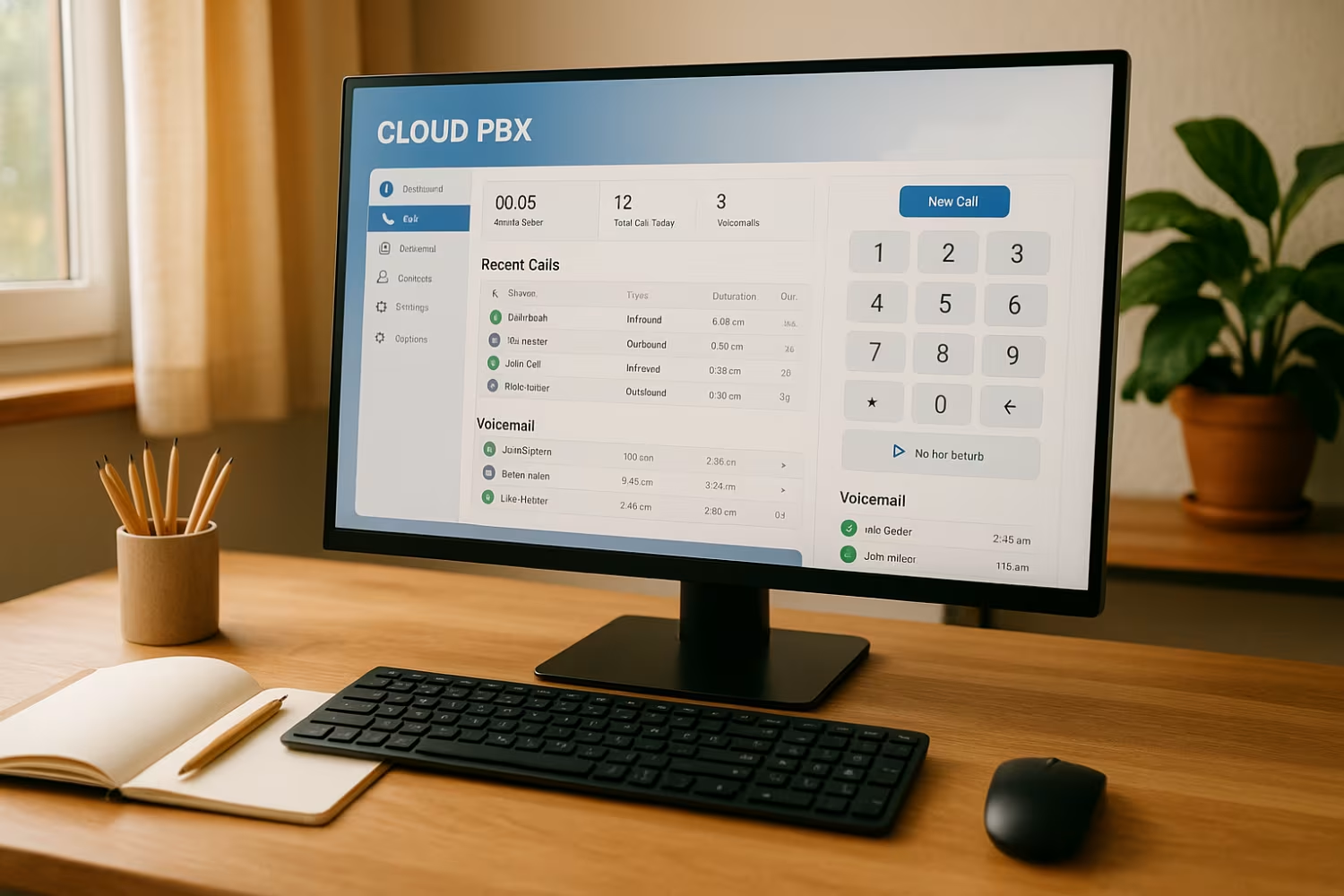
A cloud PBX (Private Branch Exchange) is a virtual phone system that runs over the internet instead of traditional phone lines. It allows businesses to manage incoming and outgoing calls using a web-based dashboard, without needing physical hardware on-site. This makes it easier to scale, configure, and maintain your phone system.
Unlike a traditional PBX, which requires physical servers and complex wiring, a cloud PBX uses Internet Protocol (IP) to handle voice communication. It supports features like voicemail, call forwarding, caller ID, and real-time call monitoring. Businesses can also connect softphones, desk phones, or mobile devices to the system, giving teams more flexibility.
Cloud PBX systems are especially useful for companies with remote or hybrid teams. They offer high uptime, easy configuration, and support for SIP (Session Initiation Protocol) to manage call flow efficiently. With virtual PBX capabilities, you can assign phone numbers, set up queues, and manage voicemail from anywhere.

Mistakes to avoid when choosing a cloud PBX phone system
Before you switch to a cloud PBX phone system, it’s important to avoid common pitfalls. Here are key mistakes that can cost time and money if overlooked.
Mistake #1: Ignoring call quality and internet requirements
A cloud PBX relies on your internet connection. If your bandwidth is too low or unstable, call quality will suffer. Always test your network and ensure it can handle VoIP traffic before switching.
Mistake #2: Overlooking integration with Microsoft Teams
If your team already uses Microsoft Teams, make sure your PBX supports Teams direct routing. This lets you make and receive calls directly from Teams, improving workflow and reducing app switching.
Mistake #3: Choosing a provider without local support
Not all PBX providers offer support tailored to your region. Look for one that understands local regulations and offers fast, reliable support in your time zone.
Mistake #4: Not planning for scalability
Your business may grow, and your phone system should grow with you. Choose a PBX solution that allows you to add users, phone numbers, and features without major upgrades.
Mistake #5: Ignoring security and compliance
Voice data needs protection just like any other business data. Make sure your cloud PBX provider offers encrypted calls, secure access, and compliance with relevant standards.
Mistake #6: Failing to train your team
Even the best system won’t work if your team doesn’t know how to use it. Provide training and documentation so everyone can take full advantage of the features.
Key benefits of using a cloud PBX system
Here are some of the top reasons businesses are switching to cloud PBX systems:
- Lower setup and maintenance costs compared to traditional PBX systems
- Easy remote access for hybrid and remote teams
- Seamless integration with tools like the Microsoft Teams phone system
- Real-time management through a web-based dashboard
- Flexible call flow and queue management for better customer service
- Scalable plans that grow with your business

How cloud PBX compares to traditional PBX systems
Traditional PBX systems use physical hardware and fixed phone lines, which can be costly and hard to scale. In contrast, cloud PBX systems operate over the internet and require no on-site equipment. This makes them easier to install, manage, and upgrade.
With a traditional PBX, adding new users or features often means buying new hardware. Cloud PBX systems let you add users, configure settings, and monitor performance in real time through an online dashboard. This flexibility is especially useful for growing businesses.
Security is another key difference. While traditional systems can be vulnerable to physical damage or outdated software, cloud PBX providers often include built-in security features and regular updates. This ensures your business communication stays secure and compliant.
Key features to look for in a hosted PBX system
When evaluating hosted PBX options, look for features that support your team’s workflow and customer needs. Here are some essentials to consider:
Feature #1: Integration with Microsoft Teams
A hosted PBX that supports Teams direct routing lets your staff make and receive calls directly from the Teams interface. This streamlines communication and reduces the need for multiple apps.
Feature #2: Real-time call analytics
Look for systems that offer real-time dashboards. These help you monitor call volume, wait times, and agent performance, so you can make quick adjustments.
Feature #3: Customisable call flow
A flexible call flow setup allows you to route calls based on time of day, caller ID, or department. This improves customer experience and reduces missed calls.
Feature #4: Voicemail-to-email
This feature sends voicemail messages directly to your email inbox, making it easier to track and respond to missed calls.
Feature #5: Softphone support
Softphones let your team make calls from laptops or mobile devices. This is ideal for remote workers or teams on the go.
Feature #6: Secure SIP trunking
Secure SIP connections ensure your voice data is encrypted and protected from unauthorised access. This is critical for maintaining privacy and compliance.
Planning your cloud PBX implementation
Rolling out a cloud PBX system involves more than just choosing a provider. Start by mapping out your current phone system setup and identifying what features you need. Consider how many users you have, what devices they use, and how calls are currently handled.
Next, work with your IT team or provider to configure the system. This includes setting up call queues, voicemail, caller ID, and call routing rules. Make sure to test everything before going live.
Finally, train your staff on how to use the new system. Provide clear instructions for using softphones, accessing voicemail, and managing calls. A smooth rollout depends on everyone knowing how to use the tools.
Best practices for managing a cloud PBX system
To get the most out of your cloud PBX, follow these best practices:
- Regularly review call flow settings to ensure they match current business needs
- Monitor uptime and performance through your dashboard
- Keep your team updated on new features and changes
- Use role-based access to control who can configure system settings
- Schedule regular backups of call logs and voicemail data
- Work with a reliable PBX provider for ongoing support and updates
Staying proactive helps you avoid issues and ensures your phone system supports your business goals.

How Soma Technology Group can help with cloud PBX
Are you a business with 20 or more employees looking for a better way to manage calls and communication? If you're growing and need a flexible, scalable phone system, a cloud PBX might be the right fit.
At Soma Technology Group, we help businesses set up and manage cloud PBX systems that work with tools like Microsoft Teams and support Teams direct routing. Our team handles everything from setup to support, so you can focus on running your business.
Frequently asked questions
What’s the difference between a PBX and a cloud PBX?
A PBX is a private branch exchange that manages internal and external calls for a business. A cloud PBX does this over the internet, removing the need for on-site hardware. It offers more flexibility, easier configuration, and lower maintenance.
Traditional PBX systems rely on physical infrastructure, while cloud PBX systems use internet protocol to route calls. This allows for features like voicemail, caller ID, and real-time call management from any location.
How does a cloud PBX phone system support remote work?
A cloud PBX phone system lets employees make and receive calls from anywhere using softphones or mobile apps. This supports hybrid and remote work setups.
With features like voicemail-to-email, call queues, and caller ID, your team can stay connected and responsive. It also reduces the need for desk phones and physical office space.
What should I look for in a hosted PBX provider?
Choose a hosted PBX provider that offers local support, secure SIP connections, and integration with tools like Microsoft Teams. Look for uptime guarantees and easy-to-use dashboards.
Make sure they support features like voicemail, call flow management, and the ability to configure settings in real time. This ensures your system can adapt to your business needs.
How does VoIP work in a cloud PBX system?
VoIP (Voice over Internet Protocol) converts voice into digital signals and sends them over the internet. In a cloud PBX system, this allows for flexible, low-cost communication.
It supports features like call routing, voicemail, and caller ID. VoIP also enables real-time communication without relying on traditional phone numbers or infrastructure.
Can I keep my existing phone numbers with a cloud PBX?
Yes, most cloud PBX providers support number porting. This means you can keep your current phone numbers when switching systems.
This is useful for maintaining consistent business communication and avoiding confusion for your callers. It also helps with branding and customer trust.
Is a cloud PBX system secure for business use?
A cloud PBX system can be very secure if set up correctly. Look for providers that offer encrypted SIP connections and secure access controls.
Features like real-time monitoring, voicemail protection, and regular updates help maintain uptime and protect sensitive data. Always work with a trusted provider to ensure compliance and security.