.svg)
.webp)
Backup as a Service: Avoid Costly Backup & Azure Mistakes
Reliable data protection is no longer optional—it's essential for business continuity. If your business experiences data loss, the impact can be immediate and costly. That’s why more companies are turning to backup as a service (BaaS) to simplify backup and recovery, reduce risk, and improve resilience. In this blog, we’ll break down what BaaS is, how it works, common mistakes to avoid, and how to choose the right service provider. We’ll also cover the benefits, features, and practical tips for implementation.
What is backup as a service and why it matters
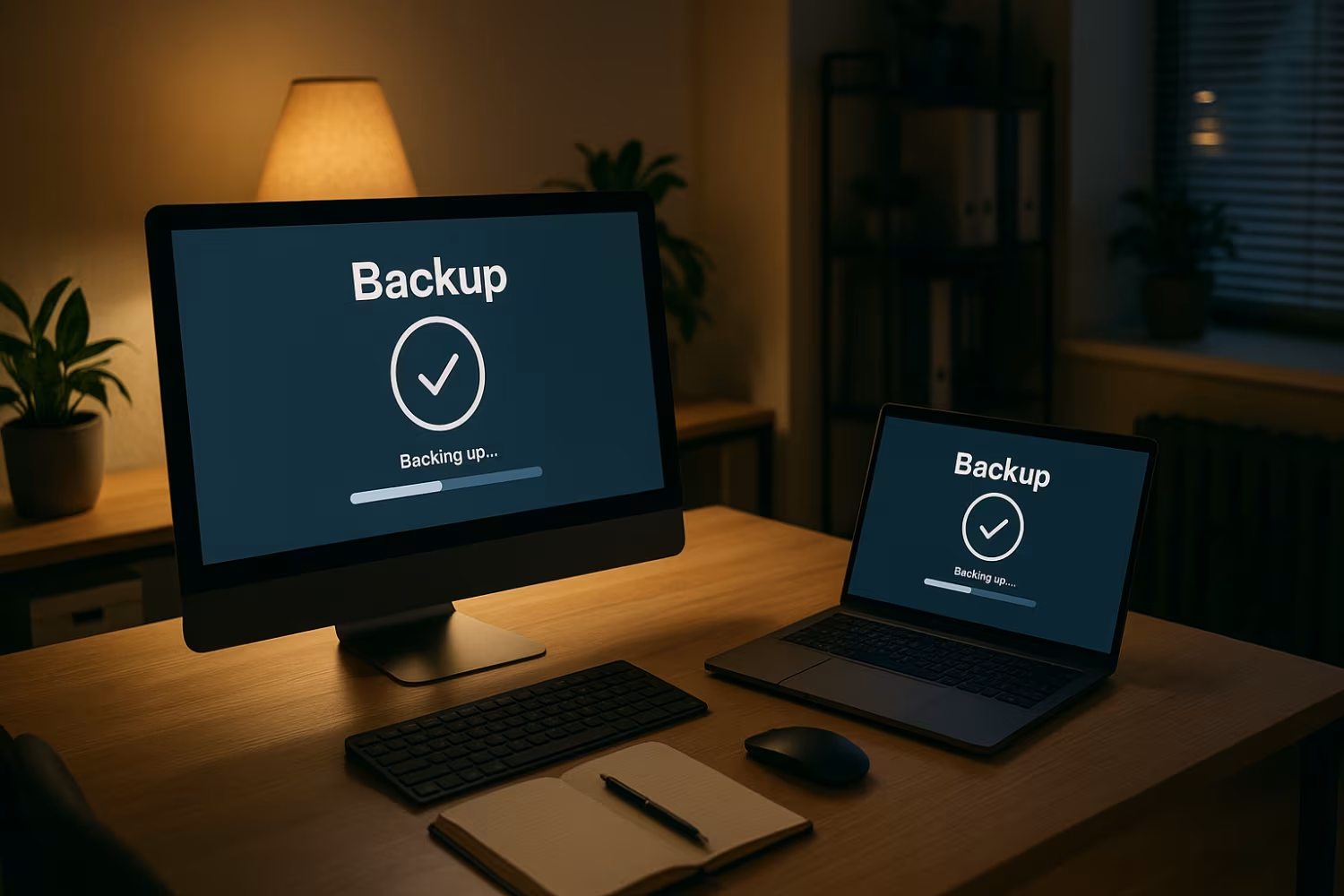
backup as a service is a cloud-based solution that automates the process of backing up your data to a secure offsite location. Instead of managing your own backup infrastructure, you use a third-party provider to handle everything—from scheduling backups to restoring data when needed.
This approach helps businesses avoid the complexity of traditional backup systems. It also supports disaster recovery planning, reduces the risk of data loss, and ensures compliance with data protection standards. Whether you're using Microsoft systems or other platforms, a BaaS solution can be tailored to fit your needs.
Common backup mistakes businesses make (and how to avoid them)
Even with a backup solution in place, many businesses still run into problems. Here are the most common issues and how to prevent them.
Mistake #1: Relying on manual backups
Manual backups are time-consuming and prone to human error. If someone forgets to run the backup or skips a step, you could lose critical data. Automating your backups through BaaS ensures consistency and reliability.
Mistake #2: Not testing your backups
Just because you have backups doesn’t mean they’ll work when needed. Regular testing is essential to confirm that your data can be restored quickly and completely. A good backup service includes routine testing as part of its offering.
Mistake #3: Using outdated backup infrastructure
Older systems may not support modern security protocols or handle large data volumes efficiently. Cloud-based BaaS eliminates the need for physical hardware and keeps your backup system up to date.
Mistake #4: Ignoring ransomware risks
Ransomware attacks can encrypt your data and demand payment for its release. With BaaS, your backups are stored separately and securely, making it easier to recover without paying a ransom.
Mistake #5: Choosing the wrong type of backup
Not all backups are the same. Some only save files, while others capture full system images. Understanding the right type of backup for your business ensures faster recovery and less downtime.
Mistake #6: Overlooking compliance requirements
Certain industries have strict data protection rules. A managed backup solution can help you meet these requirements by offering encrypted storage, access controls, and audit logs.
Key benefits of using backup as a service
Here’s what makes BaaS a smart choice for growing businesses:
- Reduces downtime by enabling fast data recovery
- Lowers costs by eliminating the need for on-site hardware
- Scales easily as your data and business grow
- Protects against data loss from cyberattacks or accidents
- Simplifies compliance with data protection regulations
- Frees up internal IT resources for other priorities
How a backup service supports business continuity
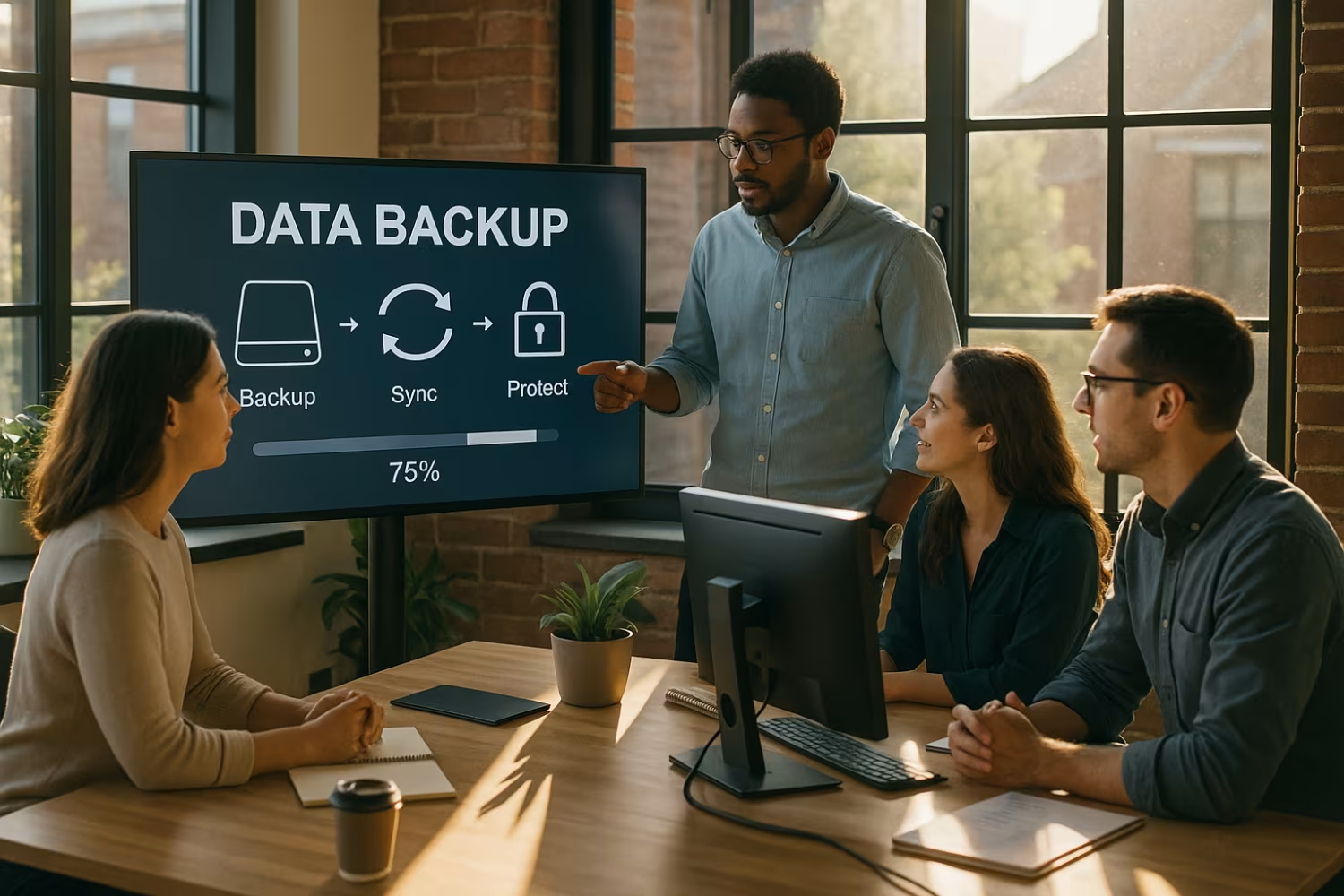
A backup service plays a critical role in your business continuity plan. It ensures that your data is always available, even during unexpected events like hardware failure, cyberattacks, or natural disasters. With automated backups and secure cloud storage, you can recover quickly and keep operations running.
Using a service provider also means you have access to expert support and monitoring. This reduces the burden on your internal team and ensures that your backups are always up to date and ready to use.
How to choose the right BaaS provider
Not all BaaS providers offer the same level of service. Here’s what to look for when making your choice.
Factor #1: Security standards
Make sure the provider uses encryption, access controls, and secure data centres. This protects your data from unauthorised access and ensures compliance.
Factor #2: Recovery speed
Ask how quickly they can restore your data. A good provider should offer fast recovery times to minimise downtime.
Factor #3: Integration with existing systems
Your BaaS solution should work with your current IT setup, including Microsoft platforms and other tools you already use.
Factor #4: Support availability
Check if the provider offers 24/7 support and proactive monitoring. This ensures issues are resolved quickly.
Factor #5: Pricing and scalability
Look for a cost-effective plan that can grow with your business. Avoid providers that charge hidden fees or make scaling difficult.
Factor #6: Backup frequency and retention
Understand how often backups are made and how long they’re kept. This affects how much data you can recover and from when.

What to consider before implementing a backup solution
Before switching to a BaaS provider, assess your current backup and recovery needs. Identify which systems, files, and applications are critical to your operations. This helps you choose the right backup frequency and storage capacity.
Also, consider your internal resources. If your IT team is small or stretched thin, a managed backup solution can take the pressure off. Make sure your provider offers onboarding support to help with setup and migration.
Best practices for managing your backup as a service
To get the most out of your BaaS solution, follow these best practices:
- Schedule regular backup tests to confirm data can be restored
- Document your backup and recovery procedures
- Review your backup reports and alerts regularly
- Keep your software and systems updated
- Train staff on how to request data recovery
- Monitor storage usage to avoid overages
Following these steps helps ensure your backup system stays reliable and ready when you need it.

How soma technology group can help with backup as a service
Are you a business with 20 to 1000 employees looking for a reliable backup solution? If you're growing and need to protect your data without adding extra workload to your IT team, we can help.
At soma technology group, we offer managed backup services tailored to your needs. Our team handles everything from setup to monitoring, so you can focus on running your business. Contact us today to learn how we can support your backup strategy.
Frequently asked questions
What is backup as a service and how does it work?
Backup as a service is a cloud-based solution that automatically backs up your data to a secure location. It removes the need for on-site backup infrastructure and manual processes.
This approach supports backup and recovery by ensuring your data is protected against data loss. It’s a cost-effective way to maintain business continuity without overloading your IT team.
How does data backup as a service protect against ransomware?
Data backup as a service stores your backups separately from your main systems, reducing the risk of ransomware spreading to your backup files. This makes recovery faster and safer.
With a BaaS solution, you can restore clean versions of your data quickly. It also supports disaster recovery planning and limits downtime after an attack.
What should I look for in a BaaS provider?
Choose a BaaS provider that offers strong data protection, fast recovery times, and 24/7 support. They should also provide transparent pricing and scalability.
A reliable provider will help you avoid data loss and ensure your backup solution meets compliance standards. Look for one that supports Microsoft systems and integrates with your current setup.
Is cloud backup better than traditional methods?
Cloud backup is often more reliable and flexible than traditional methods. It removes the need for physical storage and allows for automated, offsite backups.
This reduces the risk of backup failure and supports backup and recovery across multiple devices. It also helps you stay compliant with data protection regulations.
How often should I back up my data?
The right backup frequency depends on how often your data changes. Most businesses benefit from daily or even hourly backups.
A managed backup solution can help you set the right schedule and ensure backups are completed successfully. This reduces the risk of data loss and supports business continuity.
Can I use Azure backup with BaaS?
Yes, Azure backup is often included in BaaS offerings. It provides secure, scalable storage and integrates well with Microsoft environments.
Using Azure backup through a managed service provider ensures your data is protected and easy to recover. It’s also a cost-effective option for growing businesses.